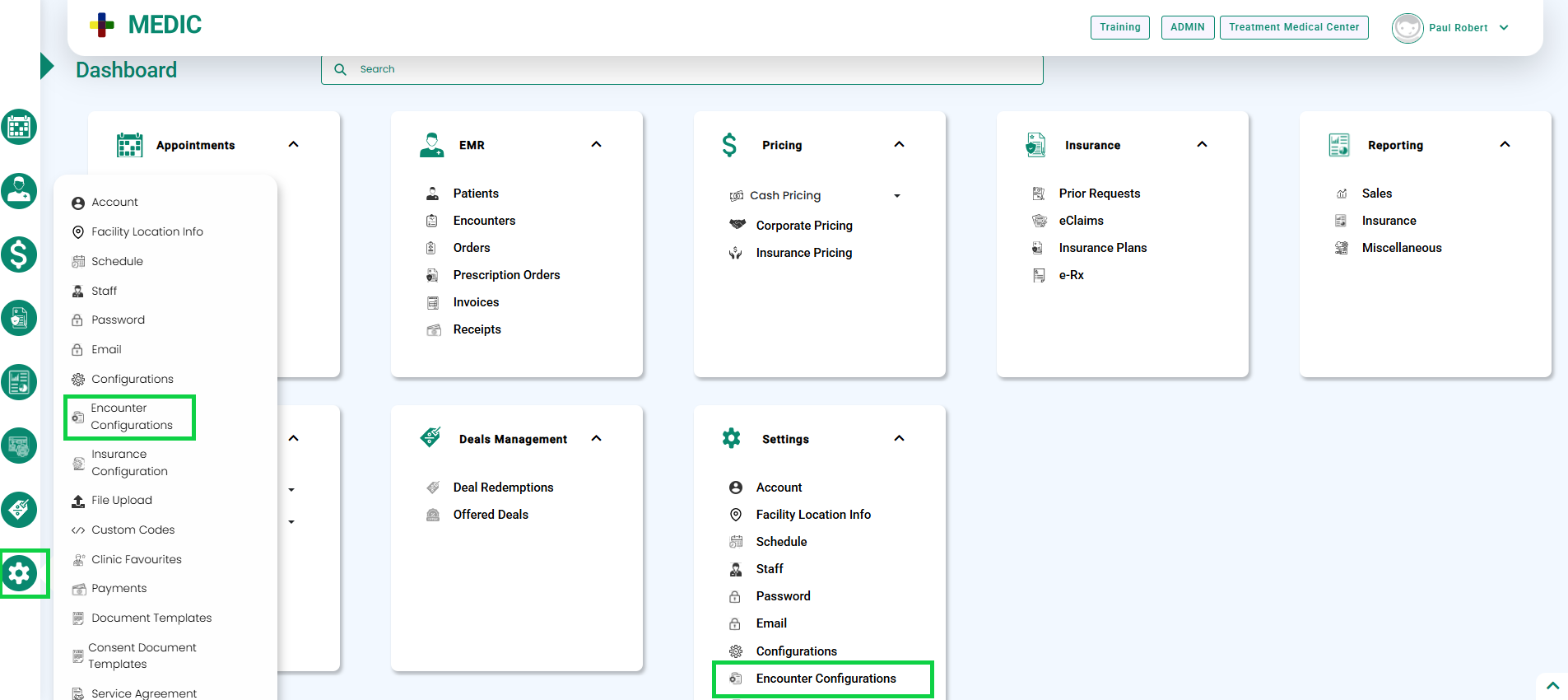
- Go to the Settings module and select Encounter Configuration either directly from the dashboard or from the left navigation bar, as shown below.
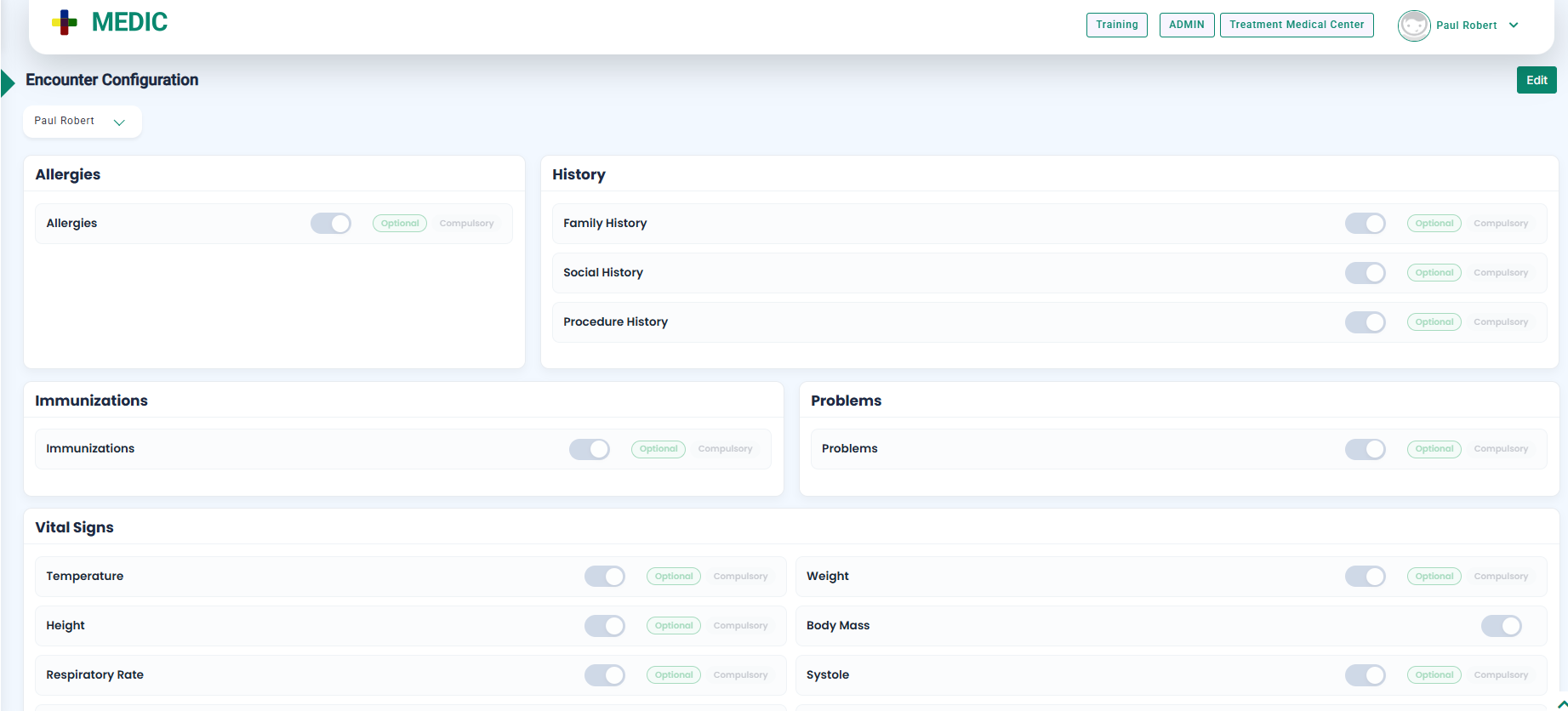
- The Encounter Configuration screen will appear.
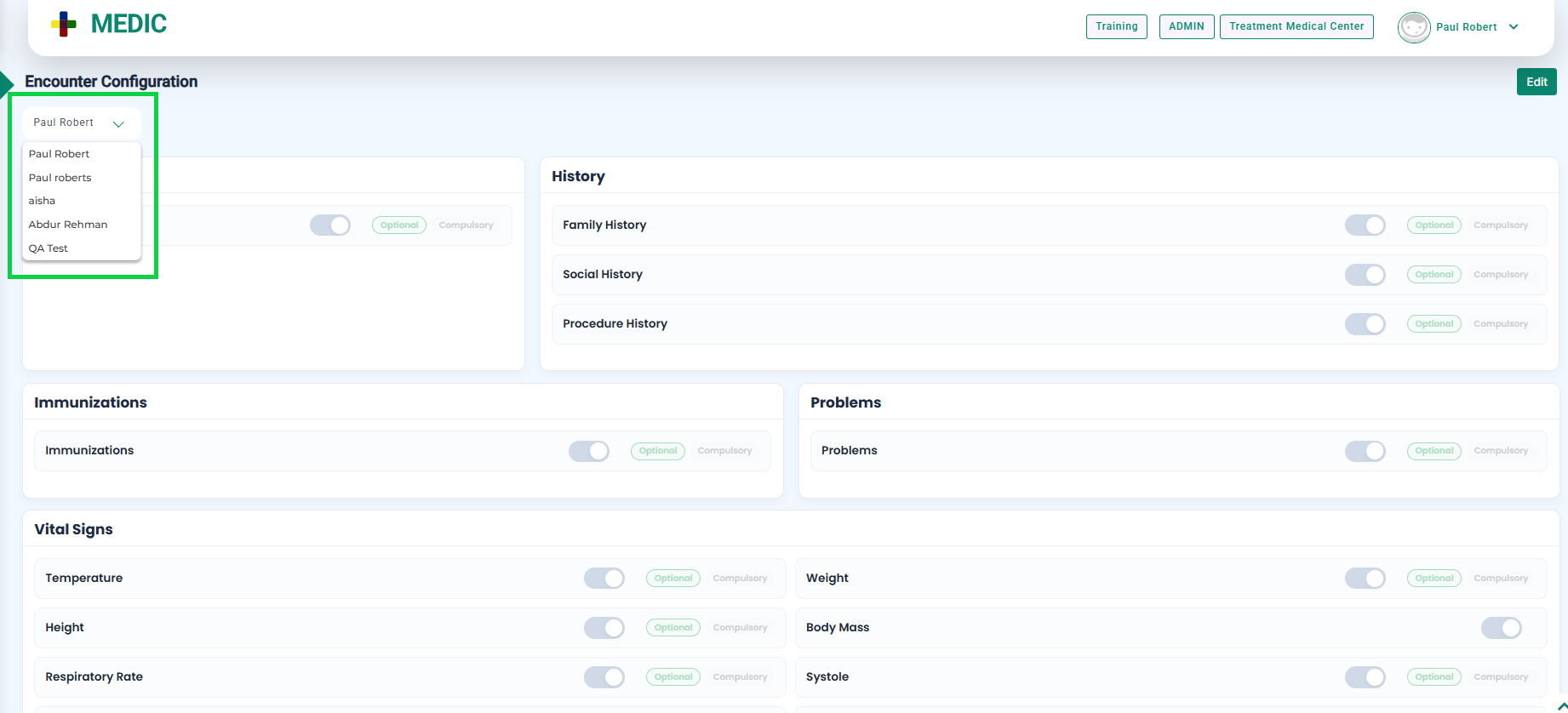
- Select the doctor for whom you want to configure the encounter by clicking the highlighted button.
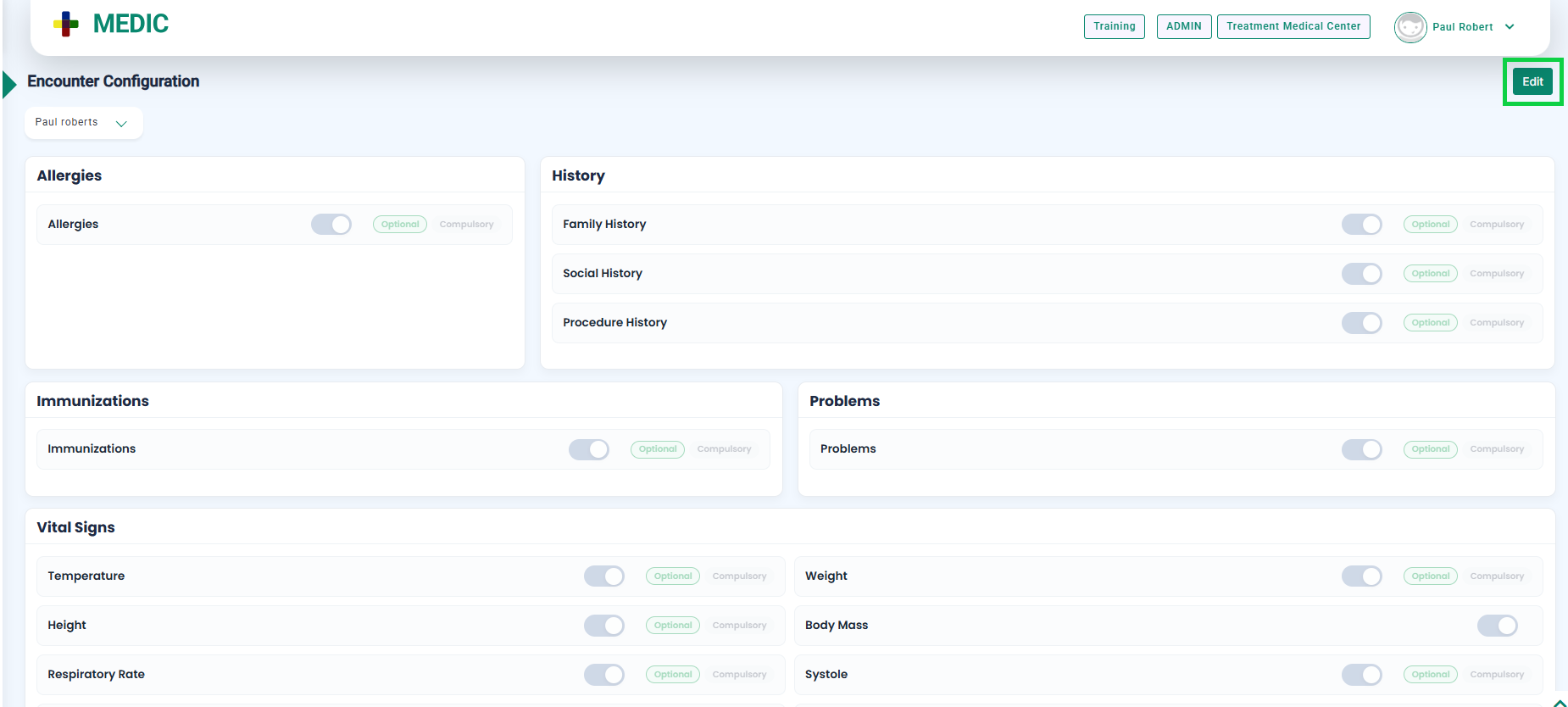
- Click the Edit button, as highlighted in the below image.