
- As outlined in the Pre-requisites section, click the Edit button.
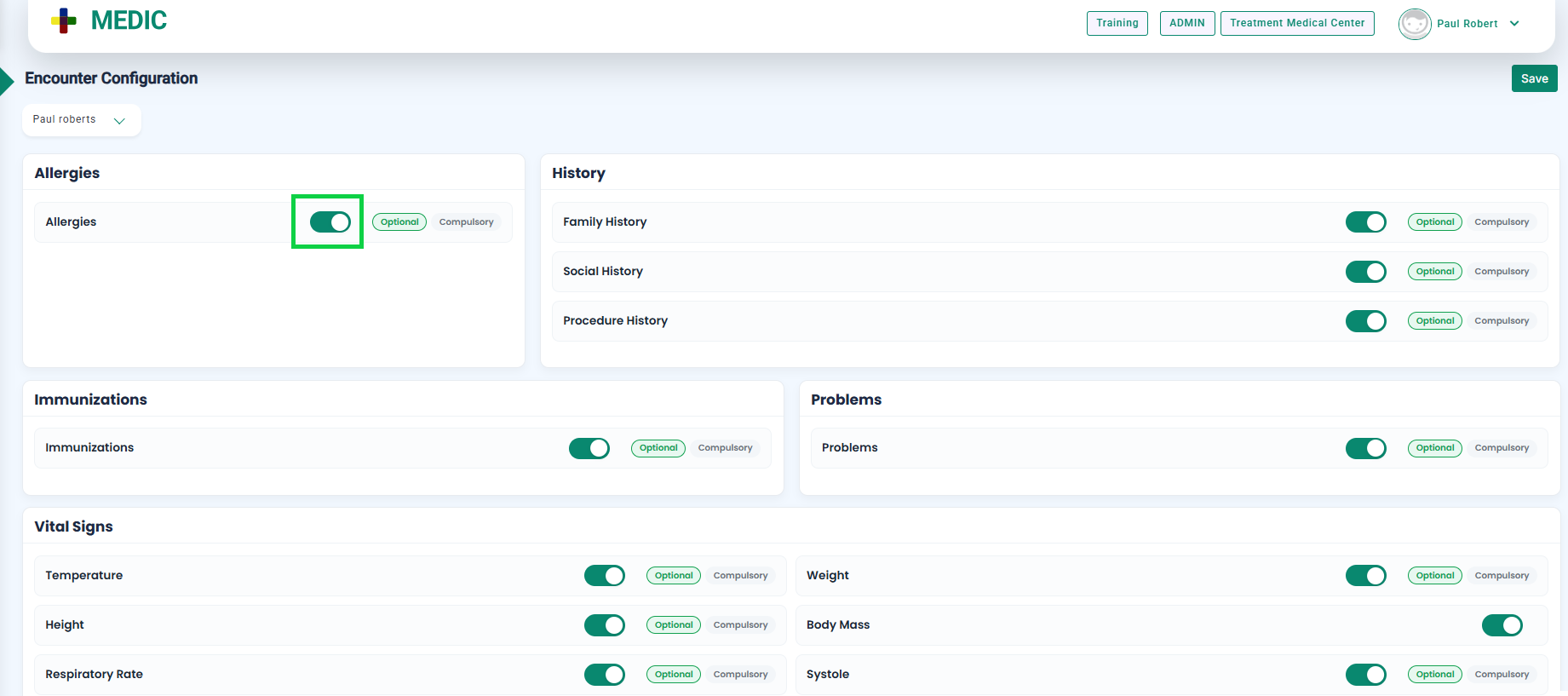
- Enable the required encounter configuration by toggling the corresponding switch, as highlighted in the below image.
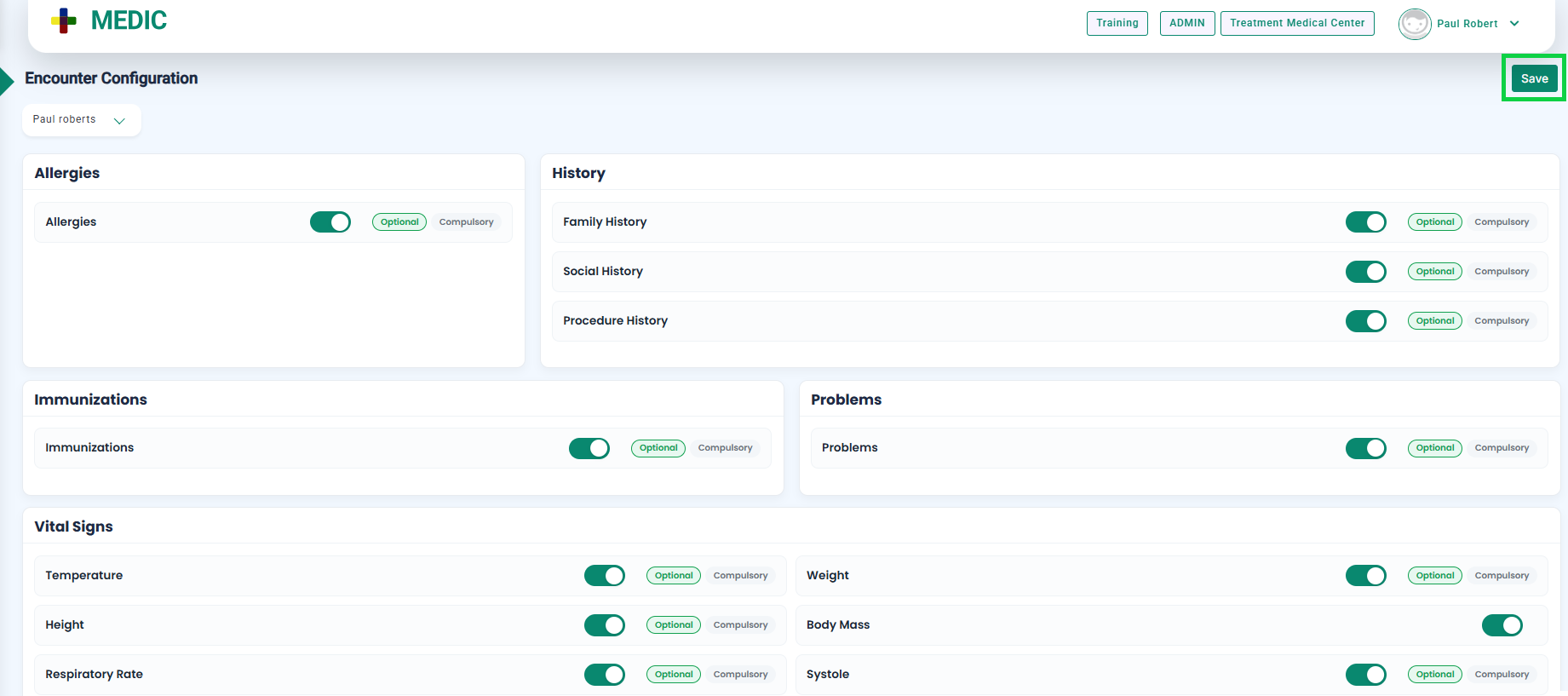
- Once enabled, click the Save button available at the top-right corner of the screen, as shown in the image below.
- Encounter configuration will be enabled, and the associated field will be displayed on the encounter screen.


