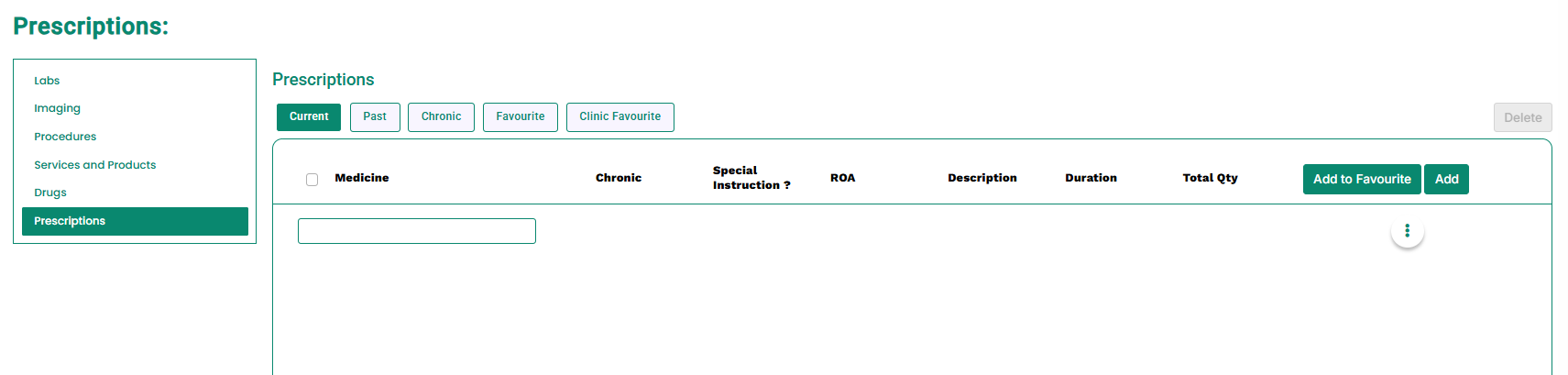
- Select one or more prescriptions using the checkboxes, or click Select All checkbox, as shown in the image below.
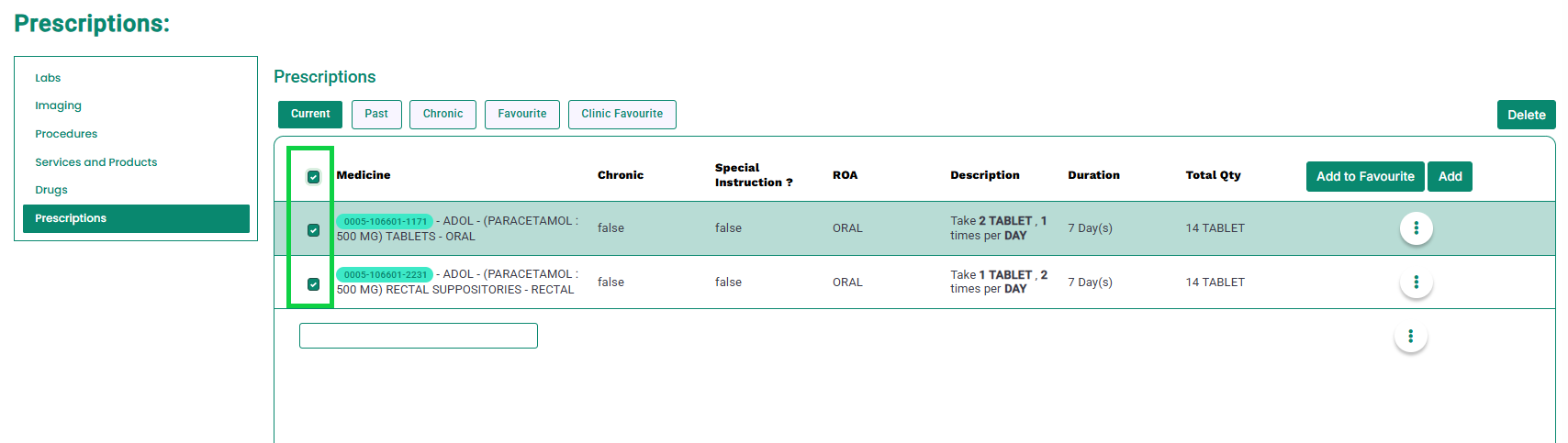
- Once selections are made, the Delete button will become enabled, as shown below.
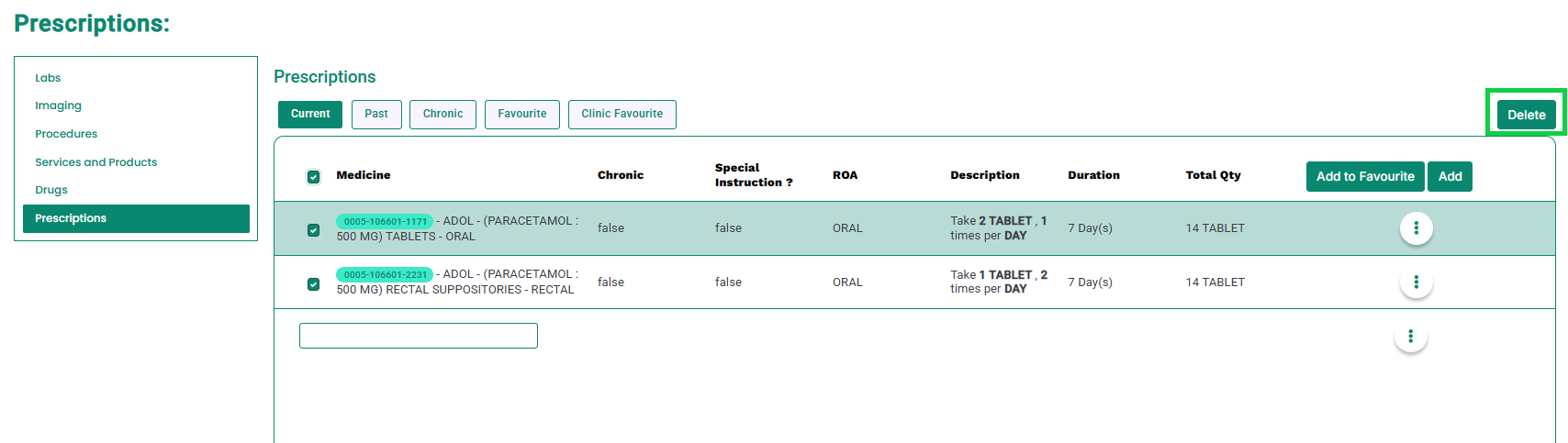
- Click the “Delete” button.
- A pop-up will appear at the bottom-right corner confirming the successful deletion, as shown below.
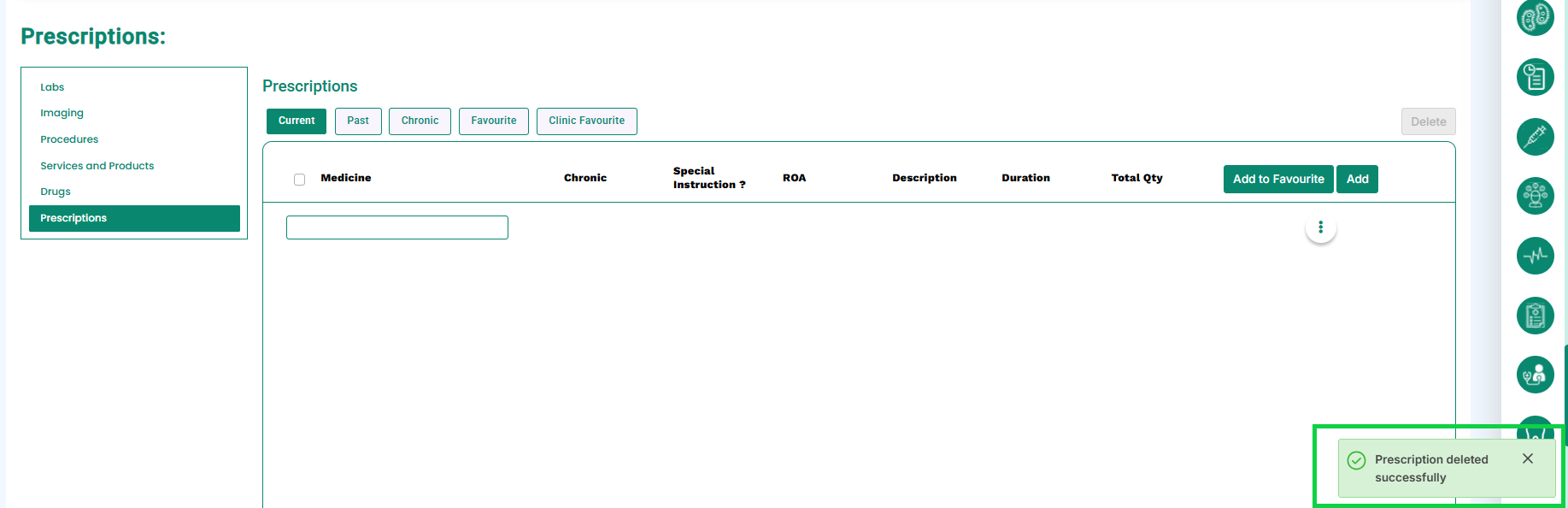
- All selected prescriptions will be deleted, as shown in the image.