How to Configure Default Medical Service for a Doctor ?
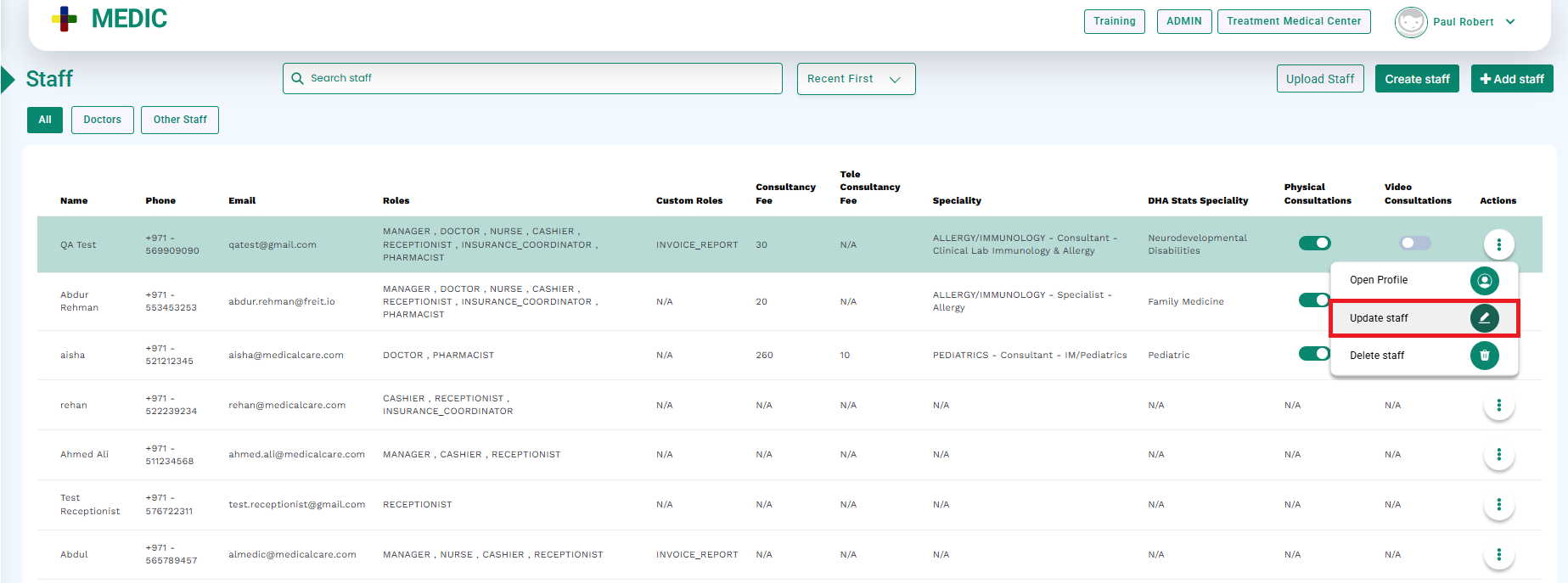
From the Staff list, select the doctor for whom the default medical service needs to be configured.
Click the Update Staff button, as shown below.
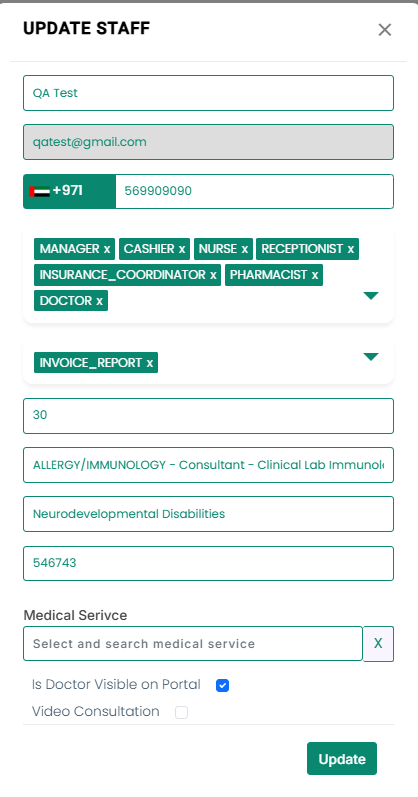
The Update Staff dialog will open.
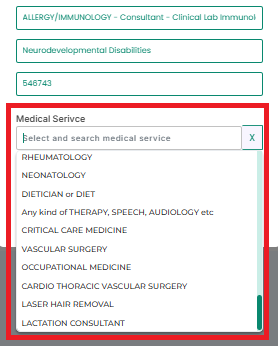
In the Medical Service field, select the required service from the dropdown, as highlighted in the image below.
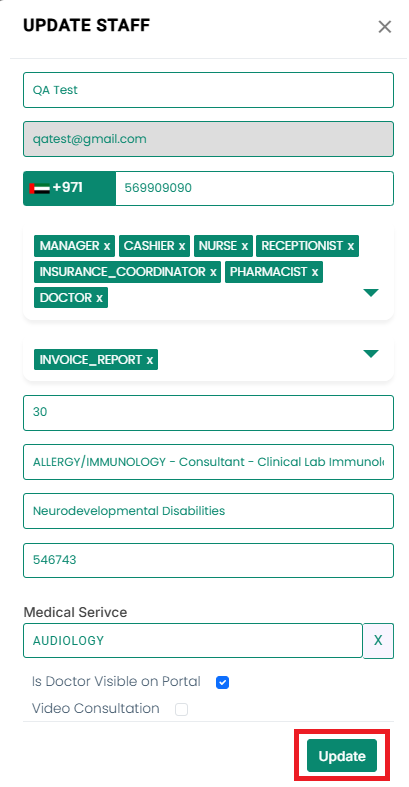
Click the Update button.
The selected medical service will be set as the default for encounter queuing for the associated doctor.
If no medical service is set as default for a doctor, the Medical Service field will remain mandatory during encounter queuing, and staff will be required to select it each time.