- In the Miscellaneous tab, clear the Corporation field to remove the assigned corporation name.

- Click the Save button as highlighted.

- A pop-up will appear at the bottom-right corner of the screen confirming that the settings have been successfully updated, as shown in the image below.
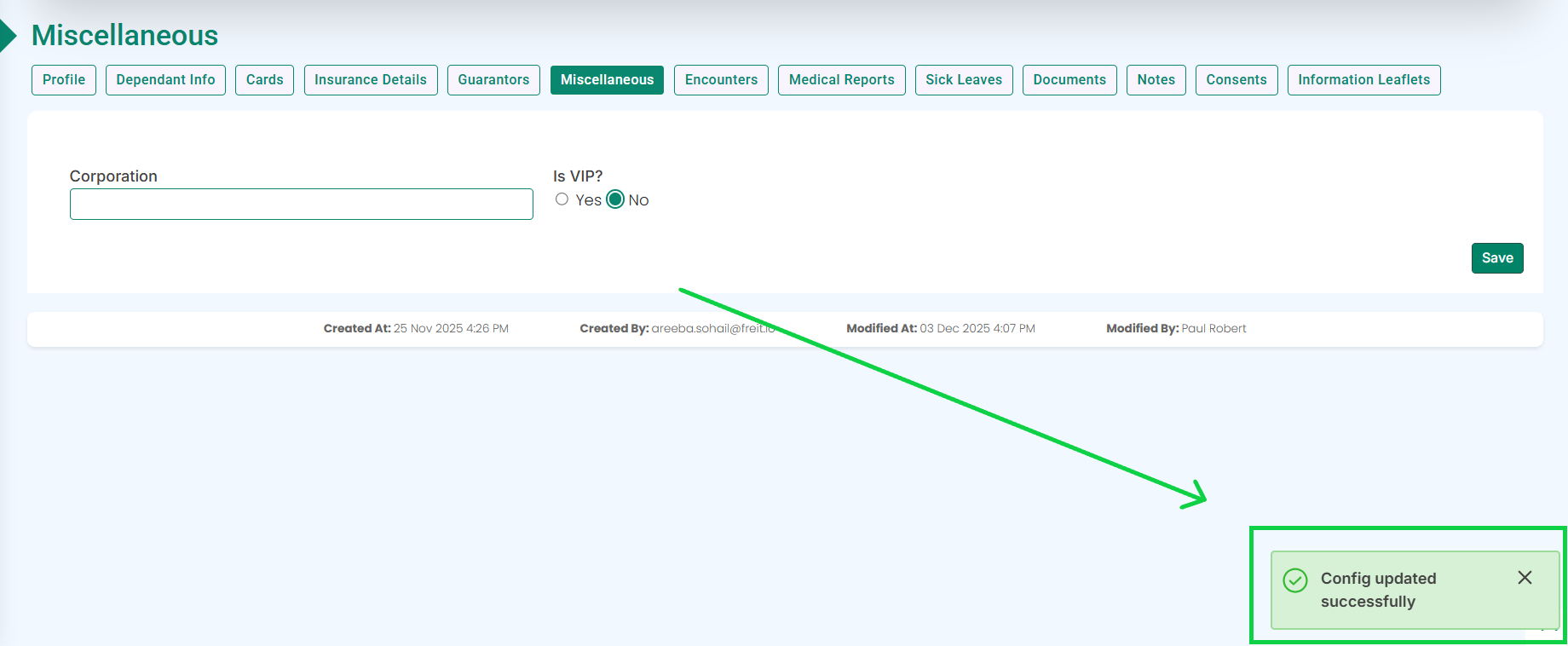
- The corporation name will be removed.