- In the Miscellaneous tab, update the name in the Corporation field.

- As you type, the system will show suggestions from the corporate names already available in the system.

- Select the correct corporation from the list.
- Click the Save button as highlighted.

- A pop-up will appear at the bottom-right corner of the screen confirming that the settings have been successfully updated, as shown in the image below.
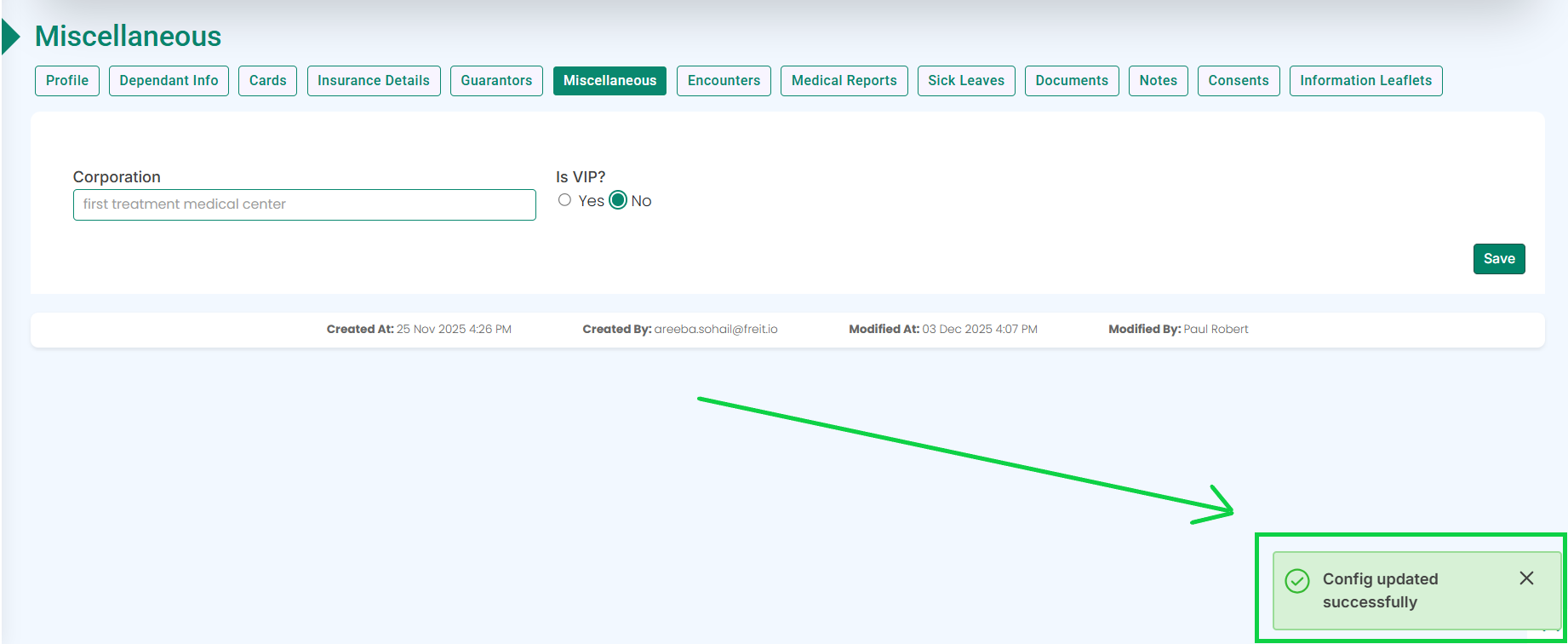
- The corporation name will be updated.