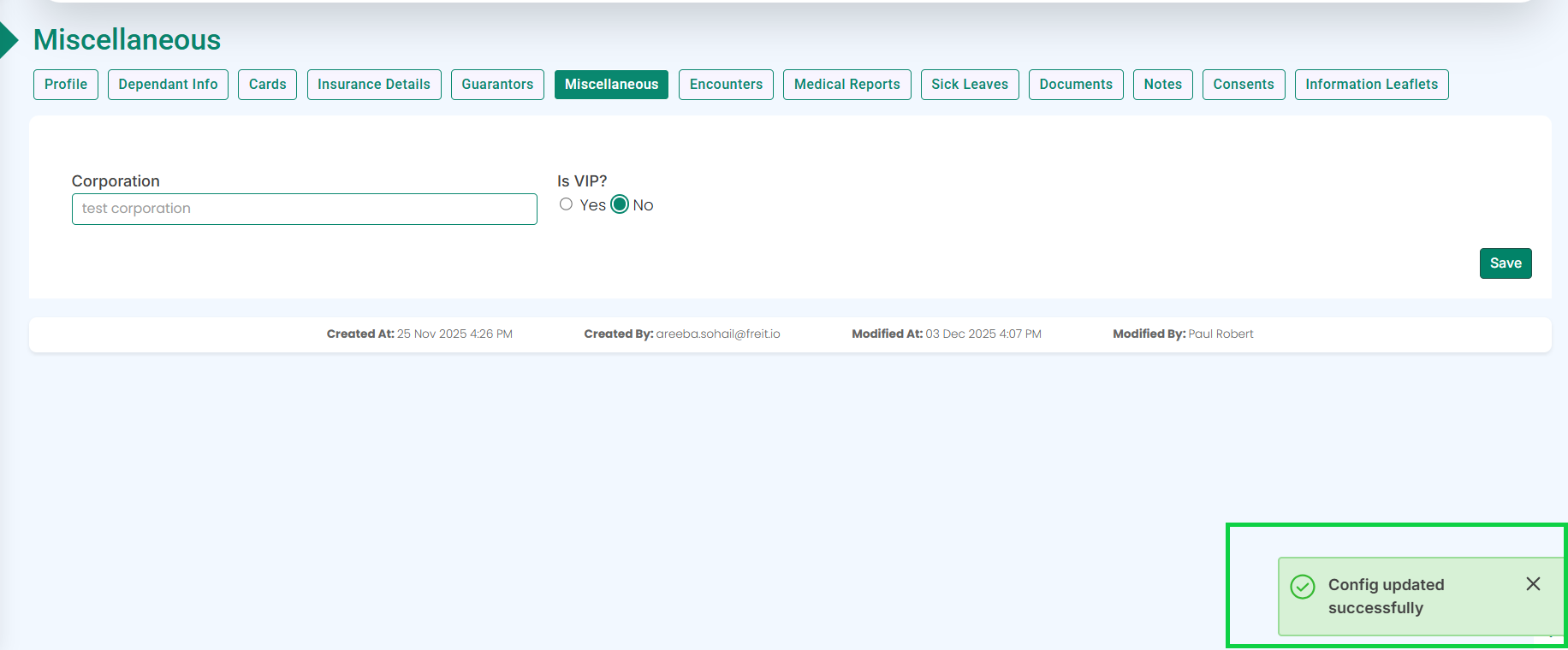
In the Miscellaneous tab, enter the corporation name in the Corporation field.
When you start typing, the system will display suggestions from the corporate list whose pricing has already been uploaded to the system.
Select the appropriate corporation from the suggestions.
Click the Save button as highlighted.
A pop-up will appear at the bottom-right corner of the screen confirming that the settings have been successfully updated, as shown in the image below.