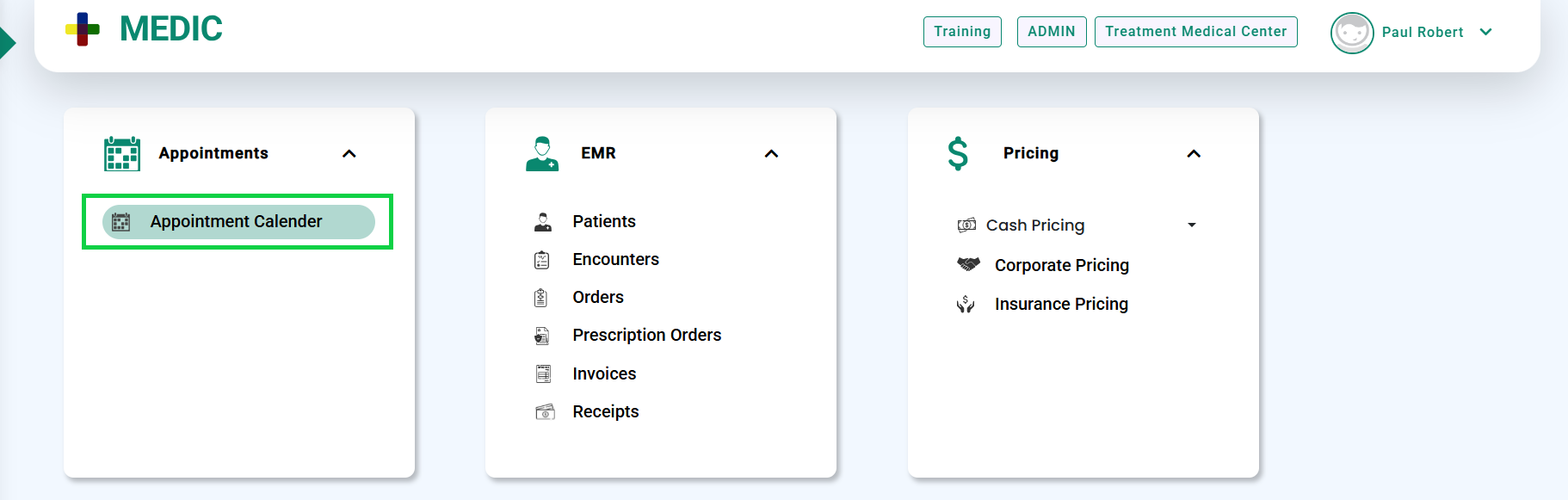
- Go to the Appointments > Appointment Calendar, as shown below.
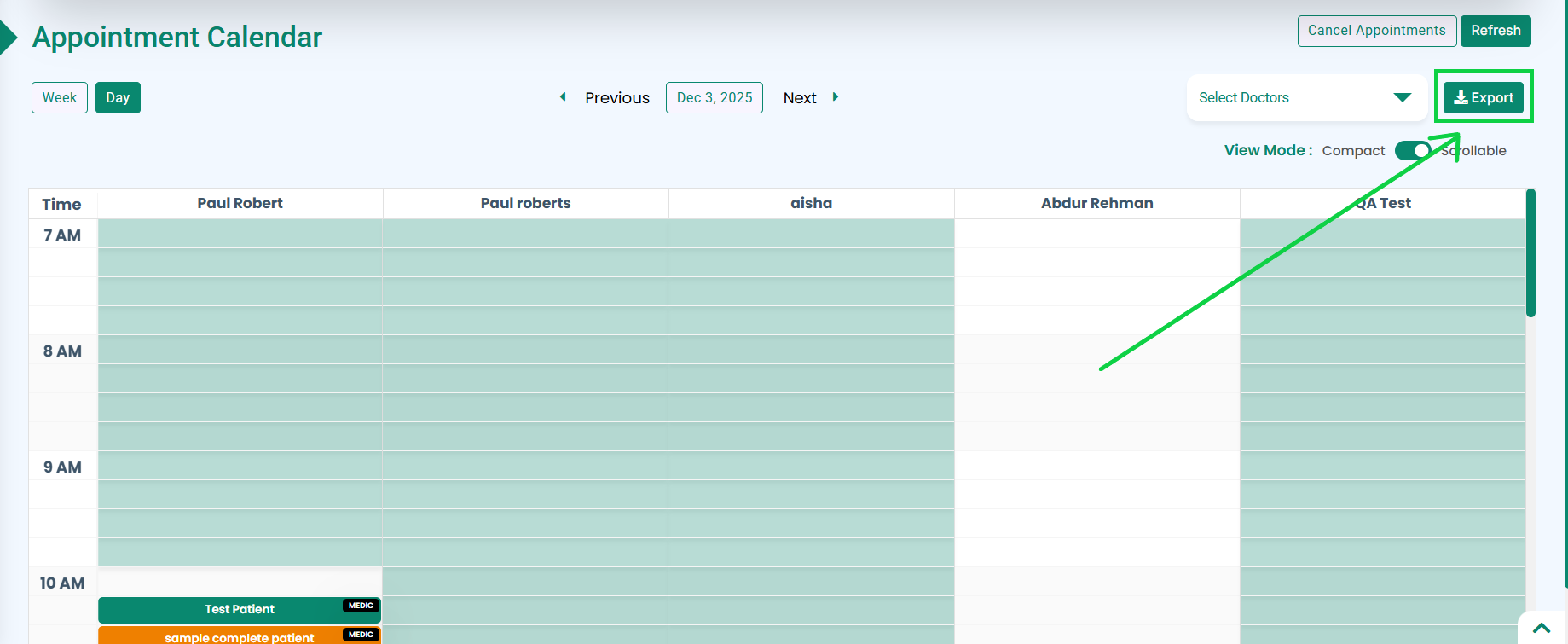
- The Appointment Calendar screen will open.
- Click the Export button located at the top-right corner of the screen, as highlighted in the below image.
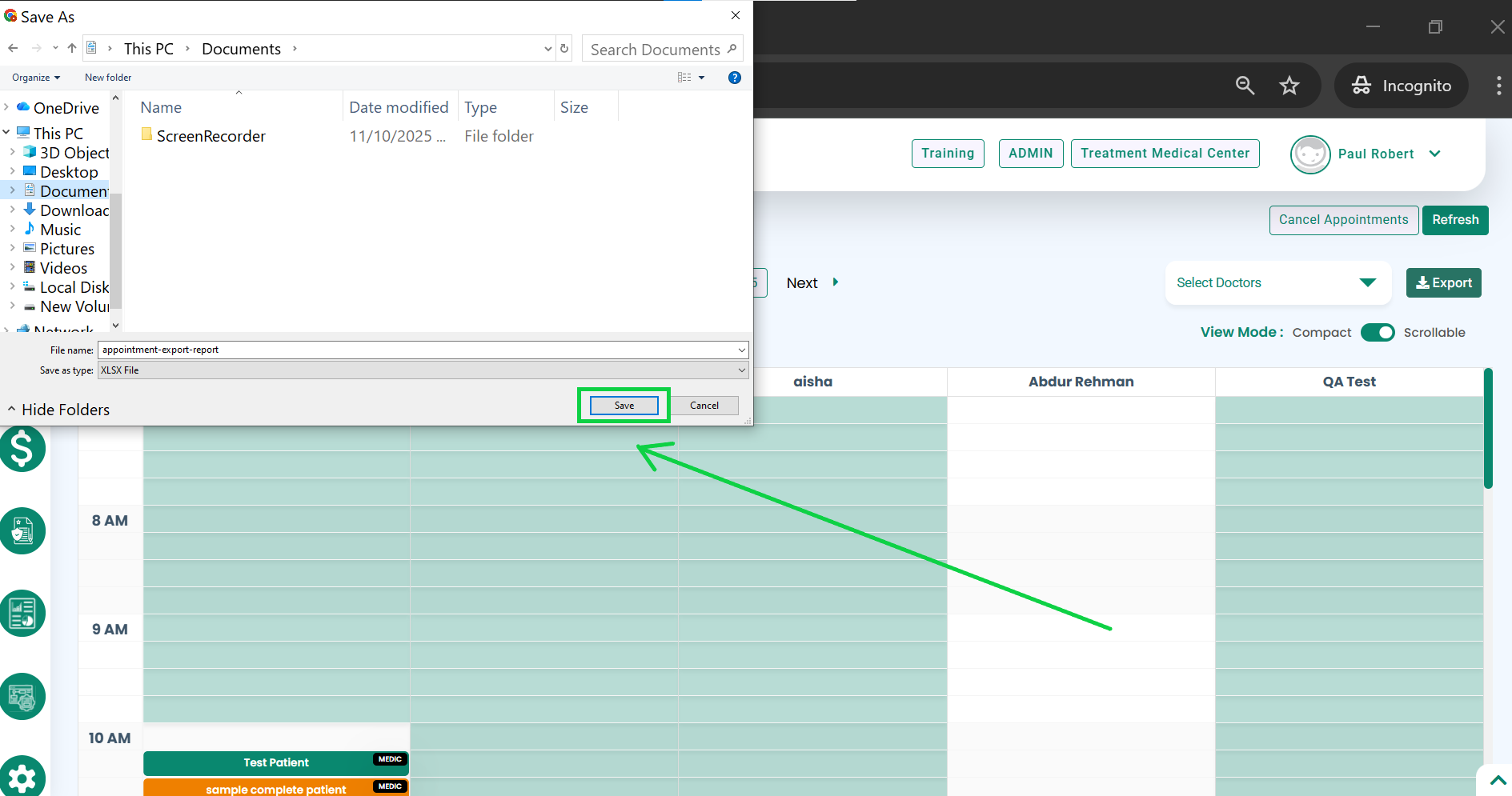
- A download dialog will appear. Click the Save button (highlighted below) to save the file to your system.
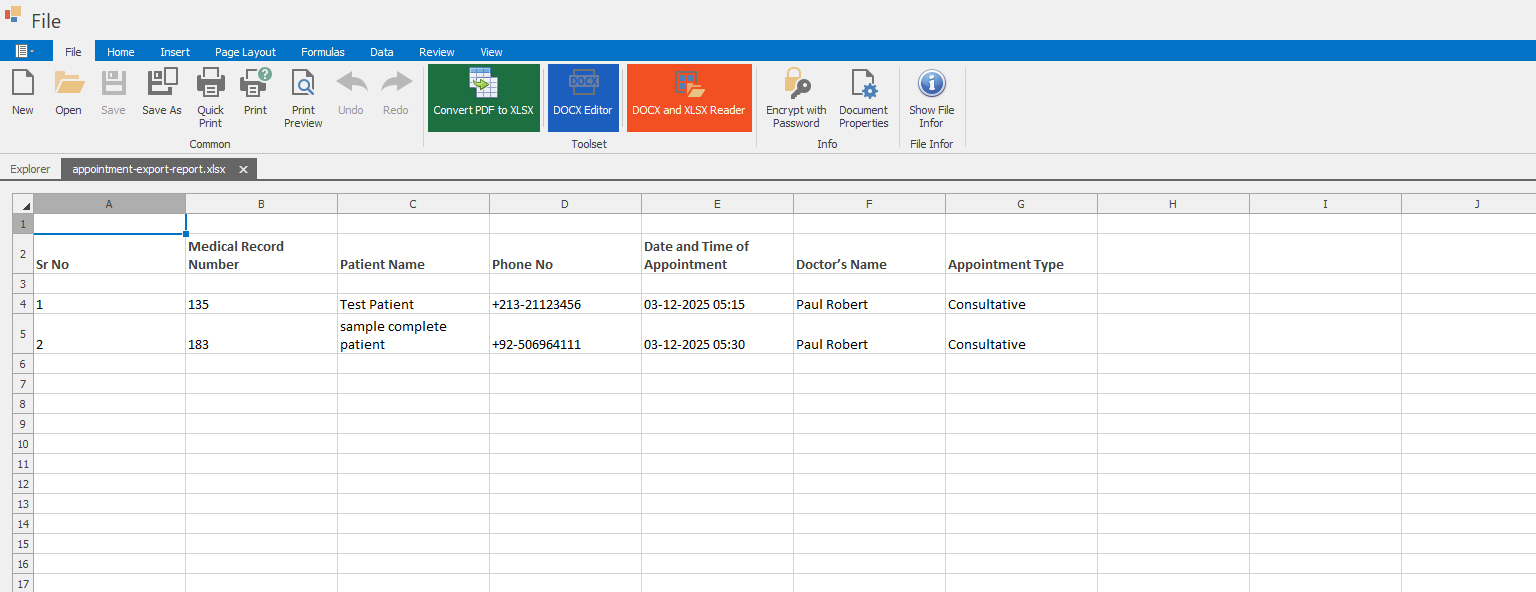
- Once downloaded, open the file to view the appointment details in an Excel sheet, as shown in the image.