Go to the Information Leaflets Template screen as mentioned in the Pre-requisites section.
Click the Add Information Leaflets Template button as highlighted below.
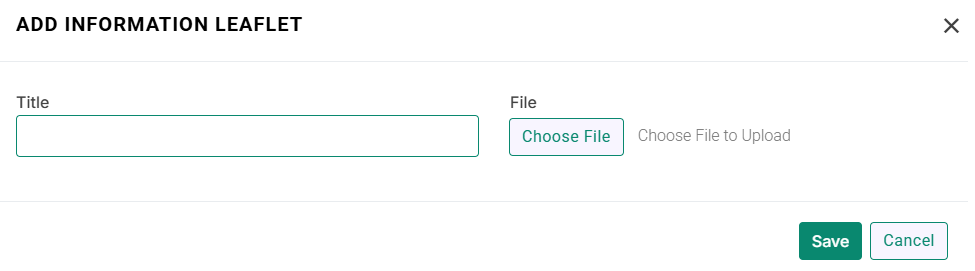
Medic will display the below modal.
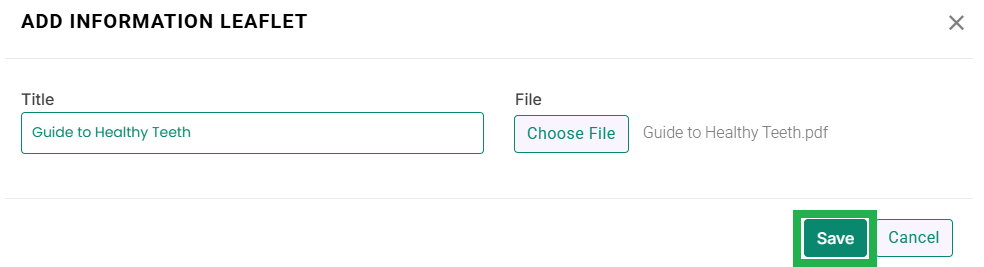
Enter the title of information Leaflet and upload the document file as mentioned below.
Click the Save button as highlighted below.
Medic will save the information leaflet template as seen in the below image.
To send an information leaflet to a patient, go to EMR > Patients, open the patient’s profile, and navigate to the Information Leaflets tab, from where you can share the leaflet with the patient.